If you’re like most people, you probably have a little graveyard of recordings on your phone. A voice memo you made while walking. A saved webinar you meant to revisit. A long voice message from a friend you still haven’t replied to properly. A random MP3 someone sent you that sounded important at the time.
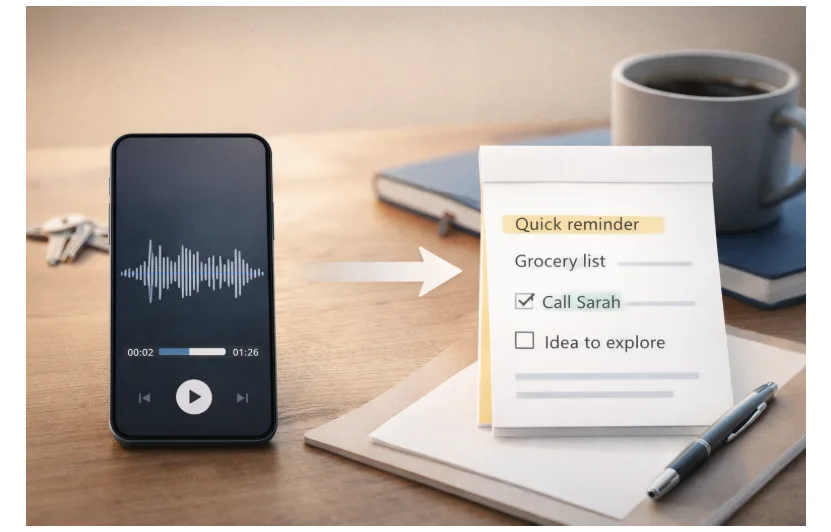
Audio is the easiest thing to capture in the moment—especially when you’re busy, tired, or on the move. The problem is that audio is also the easiest thing to ignore later. You can’t skim it. You can’t search it. And when you finally hit play, you’re stuck scrubbing around trying to find the one part you actually needed.
This is where turning audio into text helps—not because it’s trendy, but because it solves a very normal human problem: you want to keep the good stuff without replaying everything.
Why Audio Piles Up (Even When You’re Not “Trying”)
Most people don’t set out to “collect recordings.” It just happens because audio fits into life better than typing:
- You’re driving, so you record a reminder instead of writing it down.
- You’re cooking, so you send a voice message instead of a long text.
- You’re in a meeting, so you hit record “just in case.”
- You’re listening to a podcast and think, “I should remember that,” but you don’t.
- Someone sends you an audio file and you think, “I’ll get to it later.”
And then later arrives… and you don’t get to it.
Text is different. Text is visible. It’s searchable. It’s easy to copy into a calendar or a to-do list. That’s why converting some audio into text can quietly make life easier.
A Simple Habit: Capture → Convert → Keep Only What Matters
You don’t need to convert everything. Honestly, most recordings aren’t worth it. The trick is to convert the small handful that will actually help you: the note you need to act on, the idea you want to remember, the message you want to reply to thoughtfully, or the key moments from something you learned.
Here’s the easiest way to do it without turning it into a whole “system.”
1) Record when it’s genuinely easier than typing
Use audio for:
- Quick reminders
- Ideas that come fast
- Thoughts you’d lose if you stopped to write
- Moments when your hands are busy (walking, driving, cleaning, cooking)
2) Convert the “keepers” on a schedule that fits your life
Pick a time that feels realistic—once a day, twice a week, or Sunday night. The point is to stop the pile from growing forever.
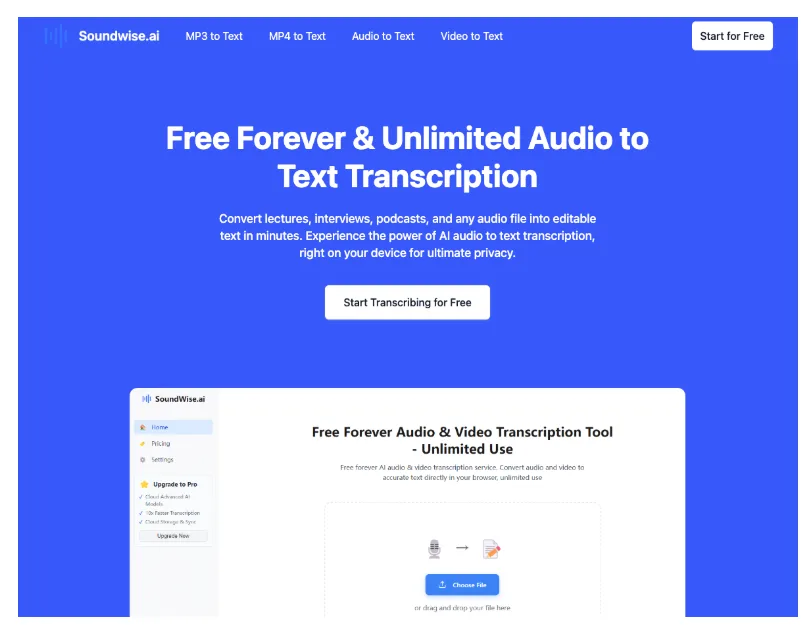
If you want a reference point for how the process typically works, an audio to text converter page like this shows the general idea: you upload a file, get a transcript, and then clean up only what you need.
3) Put the text somewhere you’ll actually see it again
This is key. If the transcript goes into a random folder, it becomes just another pile—this time in text form.
Drop it into:
- Your notes app
- Your calendar (as an event note)
- Your reminders/to-do app
- A shared family doc
- A simple “ideas” document
Once it’s in your usual space, it becomes part of real life instead of a forgotten file.
Five Everyday Scenarios Where Audio-to-Text Feels Surprisingly Helpful
1) The “I just had a great idea” moment
You’re on a walk or halfway through errands and a good idea hits. You record it quickly. Later, turning it into text makes it easier to:
- Expand it into a plan
- Turn it into a checklist
- Share it without forcing someone to listen to your rambling 90 seconds
Make it easy: Keep the one sentence that matters most (the core idea). Delete the rest if you want.
2) Family logistics that always get messy
Family planning is a thousand tiny details: appointments, school dates, who’s picking up who, what needs to be bought, what can’t be forgotten.
Audio notes are quick. Text is trackable.
Transcribe:
- A spoken “weekly plan” memo
- A grocery list voice memo
- A post-conversation recap: “Here’s what we decided…”
Make it useful: Turn the transcript into bullets with names and dates.
3) Journaling for people who don’t want to “write”
Some people love writing. Others just want to talk for two minutes and be done.
Audio journaling is easier, especially when your brain is tired or you’re processing emotions. Converting a short reflection into text can help you:
- Notice patterns
- Pull out one takeaway
- Keep a record you can skim later
Make it feel lighter: Title it something simple like “Monday—Overwhelmed” or “Friday—Small Win.”
4) Learning on the go (podcasts, webinars, classes)
A lot of us “learn” through audio. But retention is hard when everything is a stream.
A practical approach:
- Save one short clip or a key moment
- Convert only that part
- Write 3 bullets: What it says / Why it matters / How I’ll use it
This turns passive listening into something you can actually apply.
5) Long voice messages you want to respond to thoughtfully
You get a heartfelt 4-minute voice message and you want to reply well—but you also don’t want to miss details.
Text helps you:
- Understand the main points
- Respond to specific questions
- Avoid that “sorry, what did you say about Tuesday?” moment
Make it kind: Pull out their questions and respond point-by-point.
When Your Audio Is an MP3 (A Common Situation)
A lot of saved audio ends up as MP3—downloaded talks, exported recordings, files people share. If your goal is to turn an MP3 into readable text without paying upfront, you might look for a resource positioned as mp3 to text free to help you get started.
The bigger point isn’t the file type. It’s that MP3s become dramatically more useful once you can read them like notes.
Want Better Results Without Overthinking? Try This Mini Checklist
You don’t need studio quality. Small tweaks help a lot:
- Record closer to the mic (even a little closer helps)
- Reduce background noise when you can
- Try not to talk over people in group settings
- Speak in shorter sentences and pause briefly between thoughts
- If the audio is long, split it into smaller chunks (30–60 minutes max per chunk)
Most people don’t need a perfect transcript. They need something accurate enough to capture meaning—and easy enough to turn into action.
Don’t Let the Transcript Become Another Pile
Here’s the easiest trap: you convert audio into text… and it just sits there.
To avoid that, always take one tiny next step:
- Turn it into three bullets
- Turn it into a checklist
- Turn it into a calendar event
- Turn it into a message draft
- Add one line: Next action: ____
That one line is where the value lives.
A 10-Minute “Try It Once” Challenge
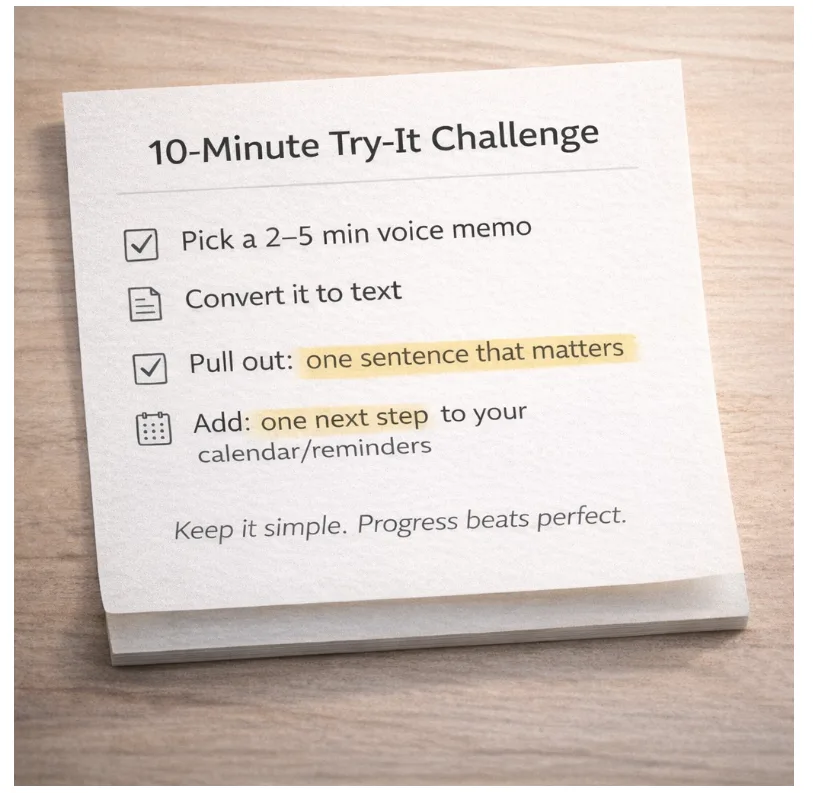
If you want to test this without committing to a whole routine:
- Pick one voice memo you’ve been avoiding (2–5 minutes)
- Convert it to text
- Pull out:
- One sentence that matters
- One next step
- Put that next step somewhere you’ll see it (calendar or reminder)
That’s it. You’re not trying to become “more organized.” You’re just making the recordings you already have actually pay off.